The Best Way to Edit Invoices in PDF
If you work in accounting, you already know how often invoices come in as PDFs and how frustrating they can be to edit. Whether it’s correcting a billing error, updating client details, or consolidating multiple invoices for reporting, dealing with static PDF files can slow down your workflow.
The good news is that editing invoice PDFs doesn’t have to be complicated. With the right tools, you can treat PDFs almost like Word documents: quickly editing, organizing, and securing them without disrupting your accounting processes.
In this guide, we’ll walk through how to edit invoice PDF files efficiently, and introduce a practical solution—Wondershare PDFelement—that helps accountants handle real-world invoice tasks with ease.
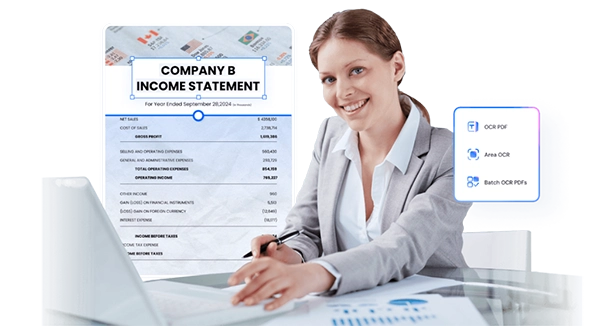
Part 1. Can You Edit a PDF Invoice?
Short answer: Yes, but not with just any tool.
PDFs were originally designed as a final format, meaning they preserve layout and prevent easy editing. That’s why many accountants assume they need to recreate invoices from scratch when changes are required.
However, modern PDF editors have changed the game. With advanced features like OCR (Optical Character Recognition) and smart text recognition, you can now:
- Modify text and numbers directly in the invoice
- Adjust formatting without breaking layout
- Add or remove line items
- Insert signatures or stamps
- Convert scanned invoices into editable files
For accountants, this is especially useful when:
- Fixing billing mistakes without requesting a reissue
- Updating tax rates or totals
- Standardizing invoice formats across clients
- Preparing documents for audits
The key is using a tool designed specifically for PDF editing—not just viewing.
Part 2. The Best Invoice PDF Editor for Accountants
When it comes to edit PDF invoices, Wondershare PDFelement stands out as a practical, accountant-friendly solution.
It’s designed to make PDFs as easy to work with as Word documents, while still maintaining the structure and compliance required for financial records.
For accountants, PDFelement helps solve everyday challenges like:
- Editing locked invoice fields
- Managing large volumes of invoices
- Converting paper invoices into digital records
- Securing sensitive financial data
Let’s break down how you can use it in real scenarios.
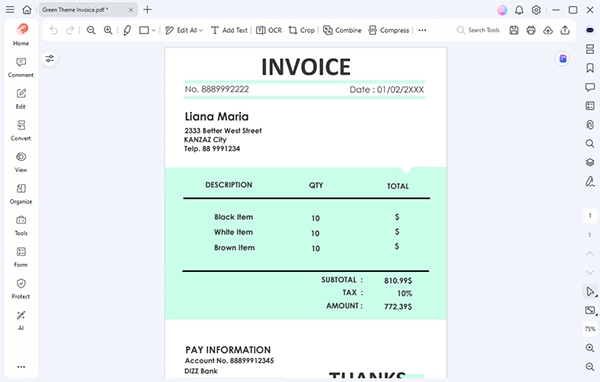
Part 2.1 Create Invoice Template in PDF
Creating standardized invoice templates is essential for consistency and compliance.
With PDFelement, you can design reusable invoice templates in PDF: easily add company branding (logo, address, tax ID) and including structured fields for totals, taxes, and payment terms
Instead of manually formatting invoices each time, you can create a template once and reuse it across clients or departments. This reduces errors and ensures uniformity, especially useful for firms handling multiple accounts.
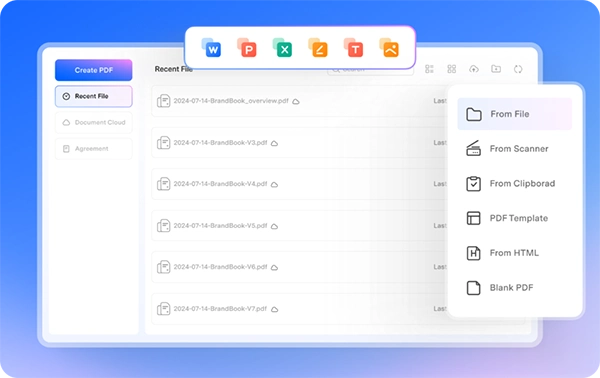
Part 2.2 Edit Invoice in PDF
One of the most powerful features is the ability to edit PDFs like Word documents.
You can edit text in PDF invoices directly to update numbers, dates, and line items or change fonts and formatting without disrupting layout. Let’s say a vendor sends an invoice with an incorrect tax calculation. Instead of requesting a revised copy and delaying processing, you can quickly fix the value and proceed with reconciliation.

Part 2.3 Merge PDF Invoices
Handling multiple invoices is part of daily accounting work. Auditors and finance teams often prefer consolidated documents. Instead of sending dozens of files, you can provide a single, organized PDF to save time and improving clarity. PDFelement allows you to combine multiple PDFs into a single file. You can merge invoices from the same vendor, combine monthly billing into one document, or organize invoices for reporting or audits.
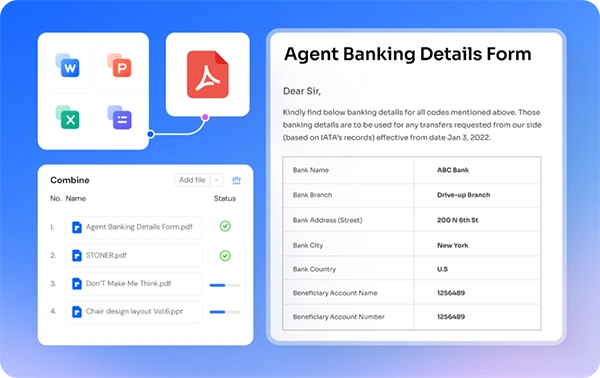
Part 2.4 Scan and Digitize Invoices
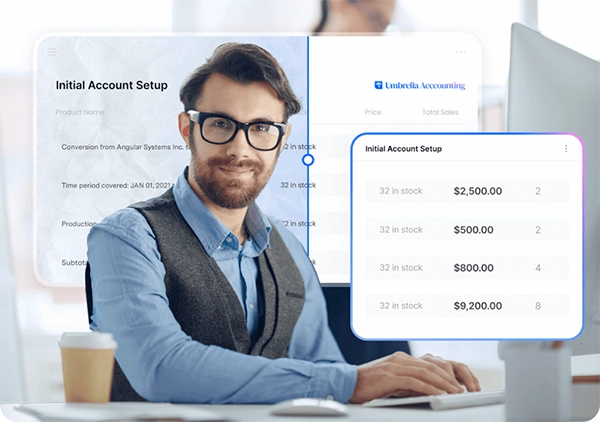
Many businesses still deal with paper invoices or scanned PDFs. PDFelement’s OCR feature converts these into editable and searchable files. It can be used to extract text from scanned invoices, scan paper invoice into editable documents, and make invoices searchable for quick retrieval. No more manual data entry. OCR reduces errors and speeds up processing—especially useful for high-volume invoice handling or migrating from paper-based systems.
Part 2.5 Password Protect PDF Invoices
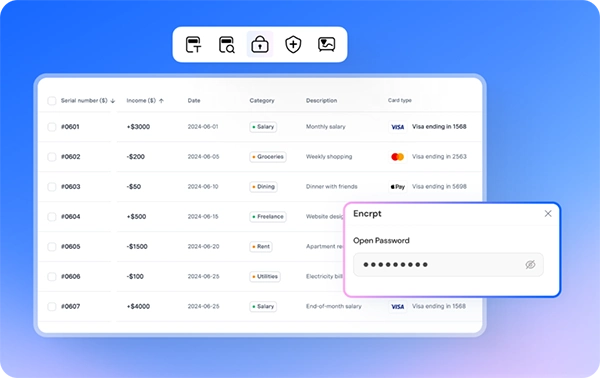
Invoices often contain sensitive financial information. PDFelement allows you to secure your PDFs with passwords and permissions, for example, restricting editing or printing of your PDF invoices. Data security is critical for compliance and client trust. Whether you’re sharing invoices internally or externally, encryption ensures that financial data stays protected.
Part 3. Conclusion
Editing invoice PDFs doesn’t have to be a time-consuming or frustrating task. With the right tool, accountants can streamline their workflow, reduce errors, and maintain better control over financial documents.
Wondershare PDFelement provides a complete solution, making it easy as piece to create and edit PDF invoices in a few clicks. It offers a simple, intuitive interface, making it easy to adopt without a steep learning curve.
If you regularly work with invoice PDFs, upgrading your workflow with a dedicated PDF editor isn’t just convenient—it’s a smart move for efficiency, accuracy, and compliance.

Finance Writer